CapCut
All-in-one free video editor for PC & Mobile

Safe & Secure
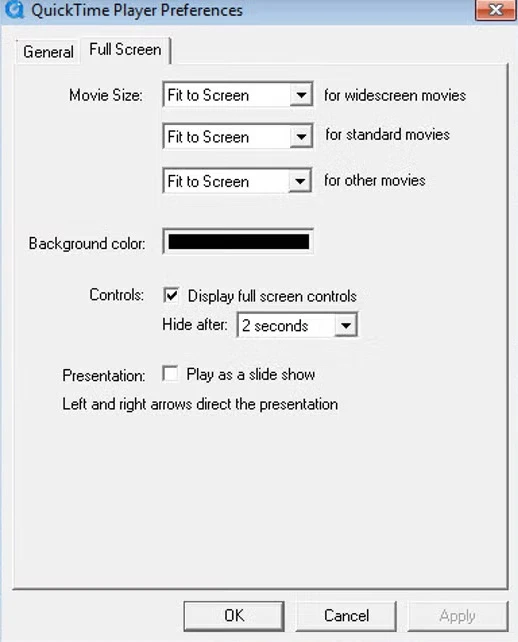
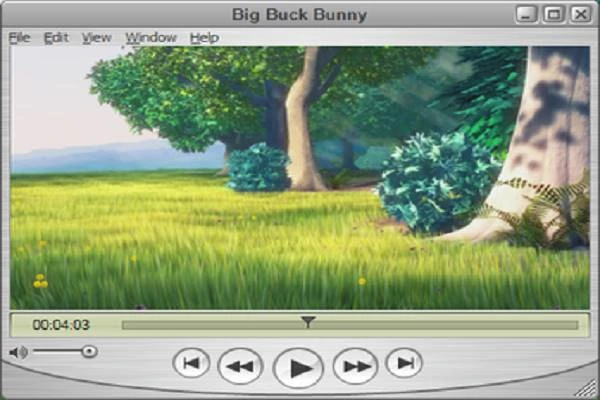
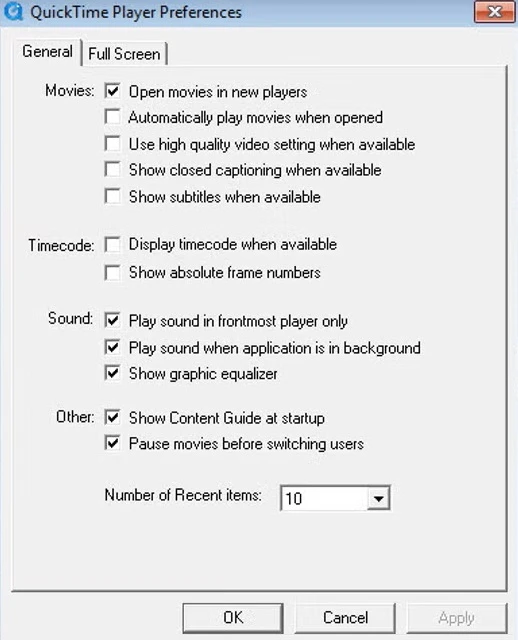
QuickTime Player is powerful multimedia management tool to offer a built-in player, allowing the users to view their desired media files, without any hassle of file format. You will capable of handling your audio as well as video files with multi-format support, including MOV, MP4, MP3, AAC, and so on. The innovative media player was developed by Apple.
It is basically designed for the Mac operating system, but Windows users can also use it. However, it doesn’t actively update on the Windows operating system. It is embedded with a built-in editor and also a screen recording tool. All the basic controls are also available, including play, pause, volume, timeline scrubbing, and so on.
The latest viewing technology makes everything simple and easy, as you will find all of your favorite visual content only a click away. The simple and straightforward design with quick controls enhances the watching experience, without losing quality or slowing down the speed. You can also use the slider to set the playback from 1/2x to 3x, and also search individual video frames easily. The support for advanced video compression technology H.264 helps to limit bandwidth and storage, delivering crisp and brilliant HD videos. Moreover, the huge file format availability makes converting media files into any other file easy. You can also add third-party plugins to enhance productivity.
No need to use any third-party video editor; instead, use the built-in editor for essential changes and even creating new content. Simply use the built-in camera to make a video, and save the recording to your computer. You can make common changes to your video, such as rotating, trimming, rearranging, and even splitting a large video into small clips to manipulate them individually. You can also adjust the size of the video according to your screen, such as selecting full-screen view or panoramic view. It also offers subtitles and captions, and support for keyboard shortcuts and gestures makes your workflow smoother and faster. You can also share your videos with others, but not in MP4 format.
The minimalist interface with well-organized menus and settings offers easy-to-understand controls, ensuring quick accessibility, even for new users. It maintains robust performance, even on older devices, as the navigation is simple and distraction-free with large and clearly marked buttons. It is available in 18 languages for both Windows and Mac operating systems. However, updates for Windows operating systems have ended, but users who want an enhanced overall functional experience can still use the app on their Windows-based computers.
Pros
Cons

All-in-one free video editor for PC & Mobile

Get optimized converted multimedia files with Format Factory

Green Convert is a free video converter to offers a quick conversion and editing videos with support for limitless formats

Free Cam, capture, record, and edit videos to upload directly on YouTube

VLC supports multiple audio/video formats to play your multimedia.

Streamlabs OBS is a offer you online and offline broadcasting.